How do I print and make copies?
Answer
Black and White printers are located on the first, second, and fourth floors of the library. A color printer is located on the second floor. B&W printing is $0.05 per page for one-sided or $0.04 per side for two sided; color printing is $0.25 per page for one-sided or $0.20 per side for two sided. Students need money on their BlueChip card in order to print. The name of the printer system is "HP-Find-Me" -- select that as the printer and send your document to print, then walk up to the printer and tap your BlueChip card on the card reader to release your document.
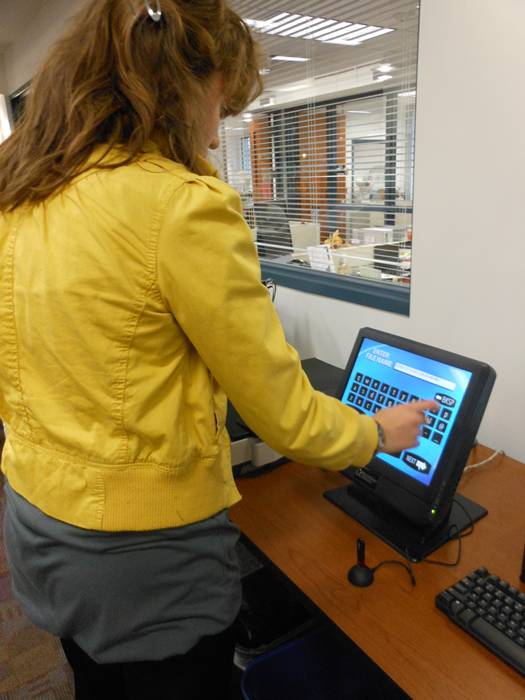 We also have walk-up scanners on the 1st and 2nd floors that provide fast, convenient scanning of all types of documents. Documents can be saved to a USB flash drive or delivered to an email address. Scanners are available for use by students, faculty and guests free of charge.
The library does not have a publicly available copy machine, but guests can make copies of documents by scanning and then printing the scans.